Plot huge CSV, Excel & MATLAB files. Your data never leaves your browser.
Millions of rows, linked charts and statistics, right on your device. Nothing is uploaded, not even to us.
- Free, no account, no cookies
- CSV, Excel, TXT, JSON and MATLAB
- 10 million rows in about 3 seconds
Open a CSV, Excel, TXT, JSON or MATLAB file
Drop it here or choose a file to chart it. Millions of rows are fine.
Tip: drop several files to compare them.
Your file never leaves your device. It is read and charted by your browser. Nothing is uploaded.
See it in action
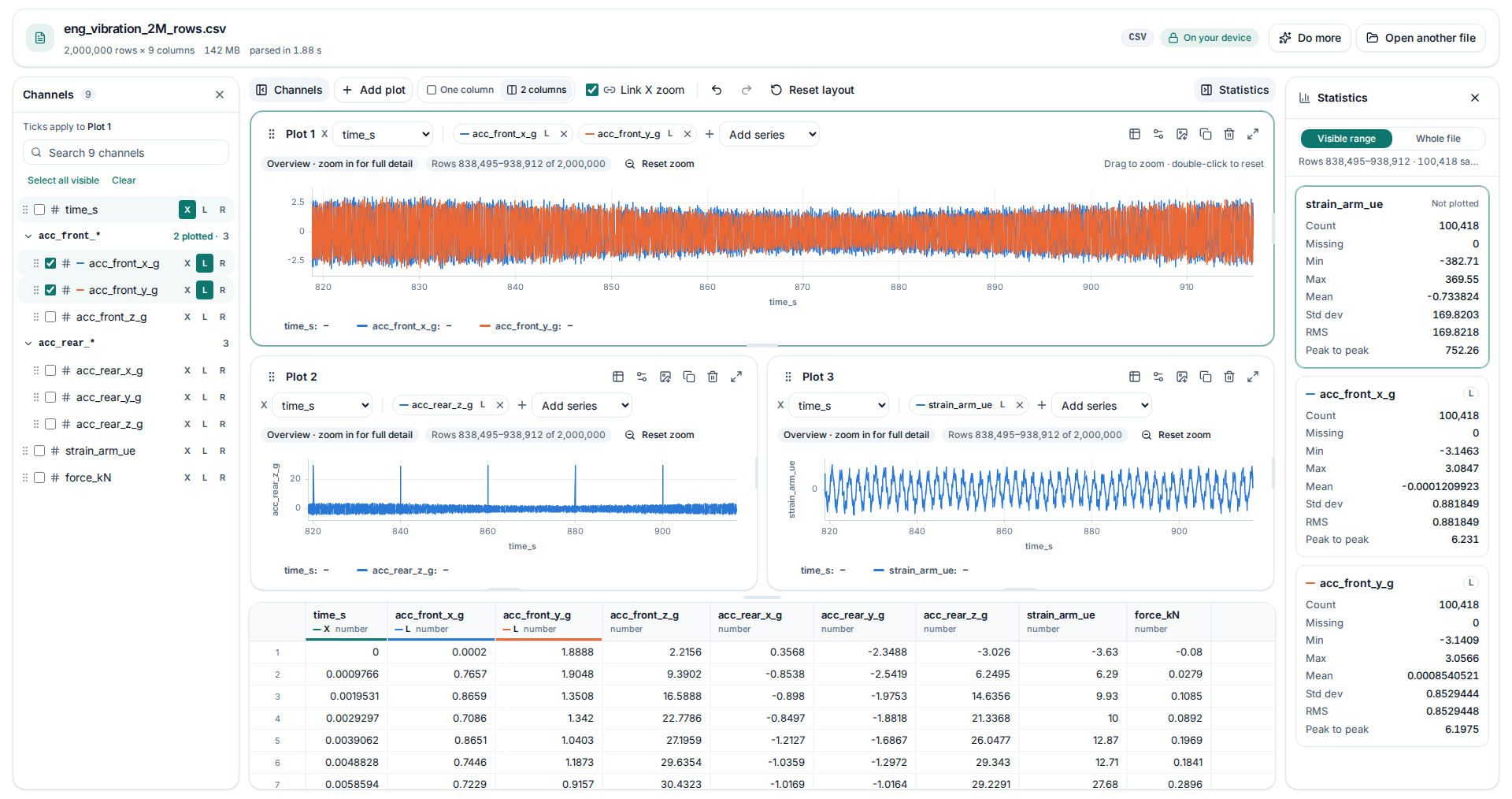
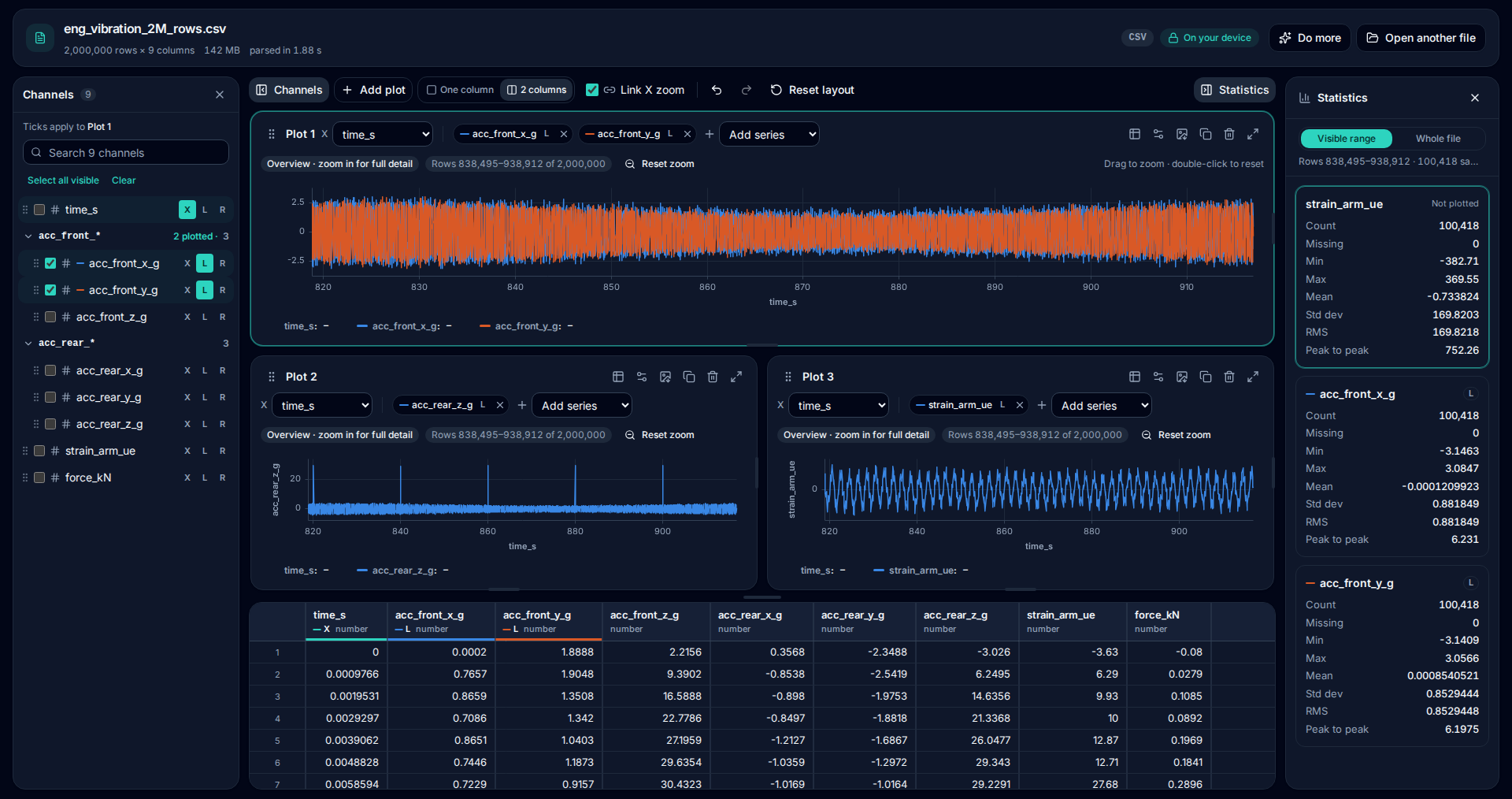
Two million rows, three linked charts, one browser tab
A 142 MB vibration log, opened and explored without uploading anything. Pick channels on the left, zoom any chart and the others follow, and read the statistics for exactly what is on screen.
Only need a line count? Use the CSV row counter. Got several files? Merge them into one first.
Core features
Everything you need to plot big data files
Smart detection
Separators, decimal commas, date formats, units rows and header lines are detected for you.
Millions of rows
A 10-million-row file opens in about three seconds. No file-size caps and no row limits.
Zoom to full detail
Charts keep every peak and dip visible. Drag to zoom and the full detail for that range reloads at once.
Two y-axes and units
Put signals with different units on the left and right axes, with units shown in headers and legend.
Column statistics
Count, missing values, min, max, mean and standard deviation for any column, in a click.
Private by design
Your browser reads the file and nothing is uploaded. No account and no tracking cookies.
Tools
One private toolbox for big data files
MegaRows is built one tool at a time. Every tool follows the same rules: nothing to install, nothing uploaded and no artificial row limits.
- Available now
Plotter
Open a file with millions of rows and plot any column in seconds, with zoom, two y-axes and statistics.
Plot a file - Available now
Merge CSV files
Append many CSV files into one, even when columns, separators or encodings differ. Two 2-million-row files take half a second.
Merge files - Available now
Row counter
Count the lines in a CSV, TSV or TXT file of any size. A 423 MB, 10-million-line file takes under a second.
Count rows - Available now
Excel, TXT and JSON
Plot .xlsx workbooks with a sheet picker, logger .txt and .dat exports, and JSON files, just as fast.
Open a file - Available now
MATLAB .mat files
Open MATLAB v4 to v7.3 files, even several GB, without MATLAB. Signals from Simulink and dSPACE exports are found automatically.
Open a .mat file - Available now
FFT, PSD and signal maths
Formulas, filters, FFT and PSD with Grms, FRF and rainflow, calculated on your device.
Analyse a signal - Available now
More chart types
Bar, area, scatter and histogram charts, and sales by month or by category.
Make a bar chart - Available now
Compare files
Open several files and plot them together: run A vs run B, this year vs last.
Compare files - Coming soon
Sort, filter and search
Sort and filter millions of rows and search for any value, far beyond the 1,048,576-row limit of spreadsheets.
- Coming soon
Convert, split and compare
CSV to Excel and back, JSON to table, PDF reports, files split to fit Excel, and two versions compared side by side.
Missing something?
Built for CSV files that are too big for Excel
Excel stops at 1,048,576 rows per sheet. Open a bigger CSV and it loads the first million or so rows, shows a warning that is easy to miss and leaves the rest behind. Save the file again and those rows are gone for good. Google Sheets has its own ceiling of 10 million cells per spreadsheet, which a wide export can hit long before a million rows.
Exports from databases, data loggers and analytics tools regularly run to tens of millions of lines. MegaRows is designed for exactly these files: your device sets the limit, not an arbitrary cap.
Private by design: nothing is uploaded
Most online CSV tools upload your file to a server, process it there and send the result back. That is slow for big files, and it leaves a copy of your data on someone else’s computer: a real problem for customer lists, financial exports or anything covered by an NDA.
MegaRows works the other way round. Your browser reads the file straight from your disk, and all the work happens on your own device. No server ever sees your data. Ours only receives what you choose to send, such as a feedback message or a waitlist signup, plus anonymous usage counts that never include file names or contents.
You do not have to take our word for it. Open your browser’s developer tools, switch to the Network tab and count a file: no request carries your data. Our privacy statement explains the rest in plain English.
Typical online tools
- Row limits, often just 1,000 rows or a few megabytes
- Your file is uploaded to someone else’s server
- Dated, cluttered interfaces full of ads
MegaRows
- Millions of rows, limited only by your device
- Files are read locally and never uploaded
- A clean, modern interface with light and dark mode
Frequently asked questions
Is MegaRows free?
Yes. Everything available today is free to use and needs no account. Your files are processed on your own device, not on our servers, so a big file costs us nothing extra.
Are my files uploaded?
No. Files are opened and processed entirely inside your browser, on your own device. They are never sent to a server. You can check this yourself in your browser’s developer tools, in the Network tab.
How big can a CSV file be?
There is no fixed limit: the practical limit is your device. We test with a 10-million-line CSV of over 400 MB, which the row counter handles in under a second on a recent laptop.
Which file formats are supported?
The plotter opens CSV, TSV, TXT and DAT files (comma, semicolon, tab, pipe or space separated), Excel workbooks (.xlsx and .xlsm, with a sheet picker), JSON or JSON Lines files and MATLAB .mat files (v4 to v7.3, including Simulink and dSPACE exports). The row counter and the merge tool work with CSV, TSV and TXT. Converters and PDF export are coming next. Old .xls files can be saved as .xlsx in Excel first.
Can MegaRows open a CSV with more than 1,048,576 rows?
Yes. The plotter opens files far beyond Excel’s 1,048,576-row limit: a 2-million-row CSV opens in about a second and a 10-million-row file in about three on a recent laptop. You can scroll every row, plot any column and zoom into the detail. Sorting, filtering and search are coming soon.
What is coming next?
Sorting and filtering, box plots, and converters. We would rather not promise dates we might miss. Tell us what you need through the feedback button: it shapes what ships first.
Do I need to install anything or create an account?
No. MegaRows runs in modern browsers such as Chrome, Edge, Firefox and Safari, on Windows, macOS and Linux. There is nothing to install and no account to create.
Get notified when the full viewer launches.
Scroll, sort and search millions of rows right in your browser. Leave your email and we will tell you when it is ready. No spam.